Adobe Photoshop Tutorials
Introduction
Adobe Photoshop is a powerful image editing software that can be used to create stunning artwork, manipulate photographs, and more. The possibilities are endless with Photoshop, and it can be overwhelming for beginners. That’s why we’ve put together this collection of Adobe Photoshop tutorials for beginners. These tutorials will walk you through the basics of the software so that you can start creating your own masterpieces.
What is Adobe Photoshop?
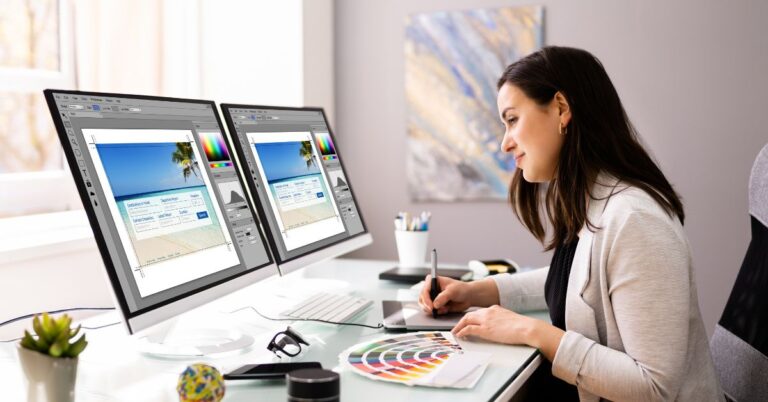
Adobe Photoshop is a software program used for editing digital images. It is widely used by professional photographers and graphic designers, and has a wide range of features that allow users to create highly-detailed images. Photoshop can be used to edit photos, create new artwork, or even manipulate existing images to create completely new ones. While the program can be challenging to learn at first, there are plenty of Adobe Photoshop tutorials available online that can help you get started.
Beginning Your Project with Photoshop
No matter what you want to create, Adobe Photoshop is a great starting point. This software has been around for years and is still one of the most popular editing programs available. If you’re new to Photoshop, or even if you’re just looking for some new tips and tricks, there are plenty of Adobe Photoshop tutorials available online.
One great thing about Photoshop is that it can be used for a variety of projects. Whether you’re trying to create a new graphic for your website or touching up some family photos, Photoshop has the tools you need. And with so many tutorials available, it’s easy to find the help you need to get started.
So where should you begin? Well, that depends on what you want to create. If you’re not sure where to start, here are some popular Photoshop tutorials to help you get started:
1. Photo Editing Basics: This tutorial covers the basics of photo editing in Photoshop. You’ll learn how to make basic adjustments like cropping, straightening, and improving exposure.
2. Adding Text: Learn how to add text to your images in Photoshop. This is great for adding captions or water marks to your photographs.
3. Photo Effects: There are many photo effects you can create in Photoshop. In fact, there’s almost no limit to what you can do. So this tutorial covers the basics of creating different kinds of effects like black and white and color filters as well as sepia toning.
4. How to Change Eye Color: Perhaps one of the most common types of Photoshop tutorials on the internet is how to change eye color. This is a great way – and often an important way – to manipulate photos for portrait photography or before-and-after editing.
5. Layer Mask Techniques: One of the most powerful features in Photoshop is layer masks, and this tutorial teaches you everything you need to know about using them with specific examples.
6. How to Create a Galaxy Background: The tutorial above will teach you how to create a galaxy background, but this one takes things a step further by adding in some space debris and other cosmic objects.
7. Eraser Techniques: Photoshop’s eraser tool is an important part of the creative process, and this tutorial demonstrates five ways to use it effectively, both before and after applying filters.
Types of Projects you can use Photoshop for
Photoshop is a very versatile program that can be used for a wide variety of projects. In this blog post, we will explore some of the different types of projects you can use Photoshop for.
One popular type of project that Photoshop is often used for is creating graphic design projects. This could include anything from creating a logo to designing a website or even creating illustrations. If you are interested in pursuing a career in graphic design, then learning how to use Photoshop is essential.
Another common type of project that Photoshop is used for is photo editing. Whether you want to touch up a family photo or create an artistic masterpiece, Photoshop has the tools you need to get the job done. There are endless possibilities when it comes to photo editing, so if you enjoy working with photos, then learning how to use Photoshop is a must.
Finally, Photoshop is also commonly used for web design projects. If you are looking to create a website or design some web graphics, then Photoshop is the perfect program for the job. With its powerful tools and vast array of features, Photoshop can help you create professional-looking websites and graphics that will impress your visitors.
Utilizing the Tools and Features of Photoshop
Photoshop is a widely used program for crafting digital art, graphics, and photographs. The software provides users with a variety of tools and features to create their desired results. In this blog section, we will explore some of the key tools and features of Photoshop that can be used to create stunning results. Blending Layers. Photoshop layers can be used to layer multiple images, including text and graphics. The program has various features that are used to change the appearance of the layers to create a desired result. To learn more about blending layers in Photoshop, follow this link.